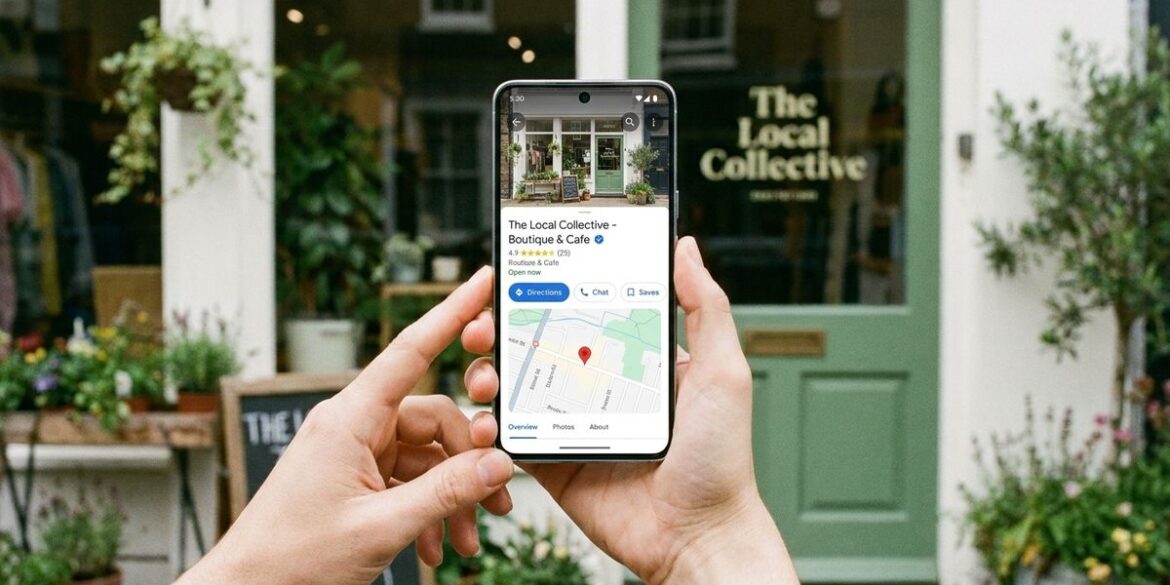
The most common mistake people make with a slow phone is replacing it before checking the basics. A device that feels sluggish may simply have too many open apps, a nearly full storage drive or a software update waiting in the background. Those problems are often easy to fix without spending money. This article walks through practical steps that everyday owners can try first.
The advice here is general and aimed at people who use common phones for messages, photos and browsing. Specific steps vary by model and operating system, so consult the manufacturer’s support pages for exact menus. Nothing in this article promises a return to original speed. The goal is to help you decide whether a repair, a reset or a new device makes the most sense. A calm, step-by-step approach usually reveals the real cause faster than guessing does.
Storage Space and Background Activity
A nearly full storage drive can slow almost every task on a phone. Review photos, videos and large downloads, then move anything important to a backup you trust. Check which apps use the most space and remove the ones you no longer need. Freeing room gives the system breathing space to work.
Background activity also drains resources, especially from apps that sync constantly. Review which apps can refresh while closed and turn off the ones that do not need that privilege. Closing apps you no longer use can help, though many systems manage memory well on their own. Readers may also want to visit primrose-soft.com.
Software Updates and Security Patches
Updates often improve performance as well as security, so an outdated phone may be missing important fixes. Connect to a reliable network and keep enough battery charge before installing a major update. Read the update notes if they are available, so you know what is changing. Allow the process to finish without interruption.
Some older devices receive fewer updates over time, which is worth knowing before you invest in new apps. Check the manufacturer’s support timeline to see how long your model is expected to receive patches. If updates have stopped, consider how that affects sensitive tasks such as banking or messaging. You can also visit TechRegar for more reading.
Battery Health and Unexpected Shutdowns
A worn battery can cause slowdowns, sudden shutdowns and inconsistent charging. Most phones show battery health in a settings menu, which gives a rough sense of capacity. Heat, deep discharges and constant fast charging can wear batteries faster than expected. Notice whether the phone gets warm while idle, since that can signal trouble.
A professional battery replacement may restore performance, but the cost and warranty status should be checked first. Ask the repair shop to explain what they found and what they plan to change. For a related read on this site, see Reading the Small Signals That Keep Your Pet. Keep the receipt and the device serial number somewhere safe.
Resetting, Restoring and Knowing When to Stop
A clean restore can remove clutter that built up over years, but it requires a complete backup first. Save contacts, photos and documents to a secure location before resetting. Restore only the apps you use rather than reinstalling everything at once. Test the phone for a day before deciding whether the change helped.

If the device still struggles after these steps, it may be time to consider a replacement. Look at how well the phone handles your daily tasks and whether it still receives updates. Choose a new device based on your needs rather than on marketing. A simple decision made calmly saves more frustration than a quick purchase.
Cases, Cables and Everyday Wear Factors
Physical wear can influence how a phone behaves over time, particularly after drops or exposure to heat. A sturdy case can reduce impact damage, while a cracked screen may let dust or moisture into the frame. Check the ports for lint and debris, since clogged openings can cause charging problems. A simple wipe with a dry cloth can also make the screen easier to use.
Cables and chargers are easy to overlook, yet poor-quality accessories can cause unstable charging and extra heat. Use the charger designed for your device when possible, and inspect cables for fraying near the connectors. Replacing a worn cable is often cheaper than replacing a battery. Store the phone away from direct sunlight while it charges.
A Calmer Phone Starts With Small Steps
Slow phones are frustrating, but many problems yield to patient troubleshooting. Start with storage, background activity, updates and battery health before taking drastic steps. Keep a backup current so any change can be undone without loss. A well-maintained phone can serve its owner comfortably for longer than expected.